
Digital Wedding Invitations: How to Create One and Send It on WhatsApp
A digital wedding invitation reaches guests instantly on their phones, shows the venue on a map and tells you who is coming — no printing, no posting. This guide walks you through making one that matches your day.
What is a digital wedding invitation?
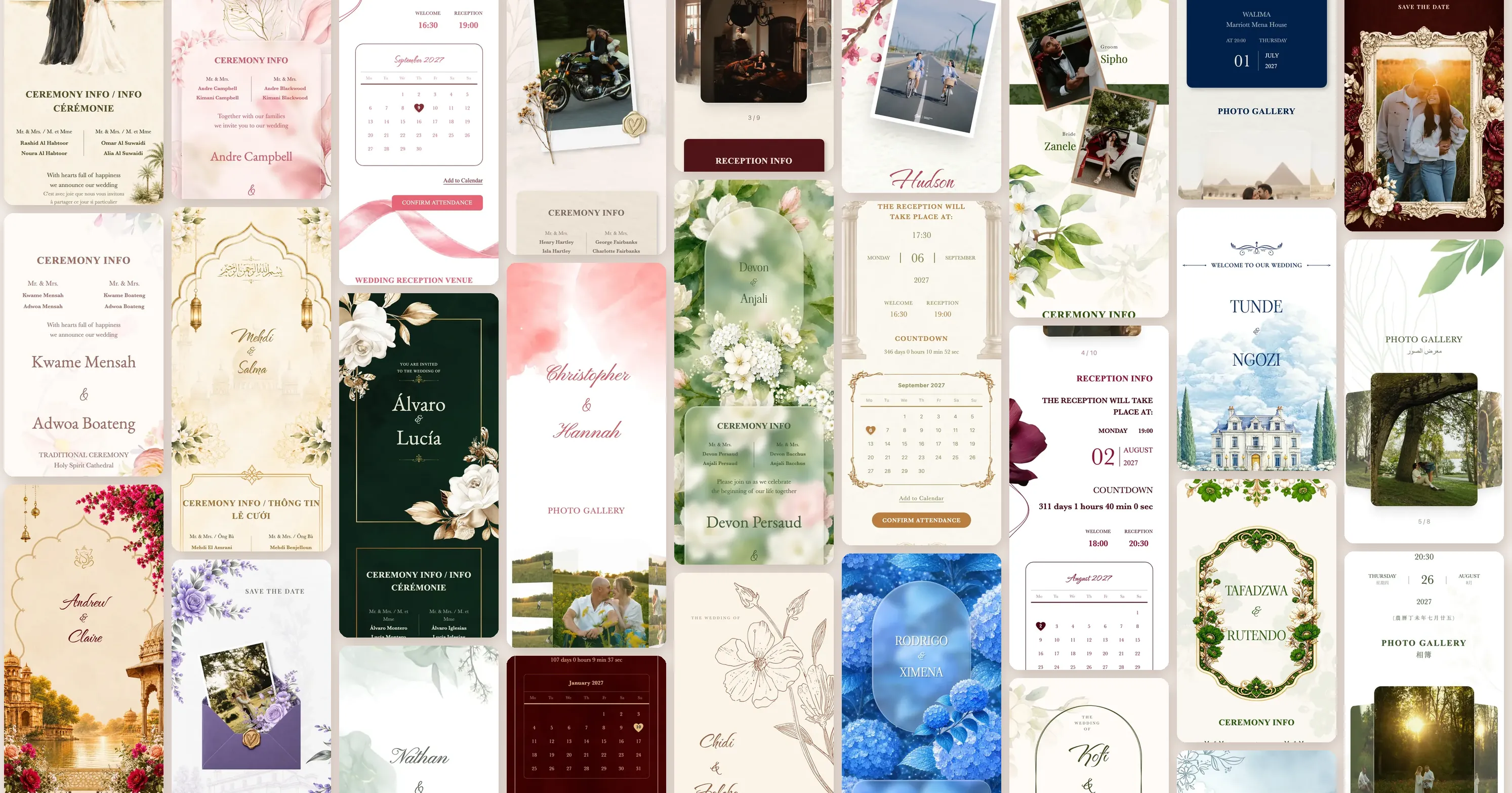
A beautiful web page designed like a real invitation: an envelope that opens, the couple's names, a verse or quote, date and time, a countdown, the venue map, photos, music and an RSVP button. You share the link on WhatsApp and guests open it on any phone without installing an app.
Why couples choose it over paper
- Speed: hundreds of guests receive it within minutes, even abroad.
- RSVP: each guest taps “Coming” or “Can't come” and adds the number of people, so you know the real count before ordering food.
- Personal: with Davet every guest gets a link showing their own name.
- Always up to date: change the time or venue once and everyone sees it.
- Saves paper and money; print a few copies for older relatives if you like.
What to write
- An opening verse or quote.
- The couple's names, often with their parents' names.
- The occasion: nikah, wedding, henna night, engagement…
- Day, date (Gregorian, Hijri or both) and time.
- Venue name, address and map link.
- A closing line and the RSVP deadline.
Step by step on Davet
- Pick a template — Arabic, Turkish, international or an animated professional one.
- Type the names, date and place; the preview updates live and saves automatically.
- Add your photos, background music and the ceremony programme.
- Press “Publish” to get your link.
- In “Guest management” paste your whole guest list at once, then send each guest their personal invitation on WhatsApp with one tap.
Tips
- Send it three to four weeks before, and remind guests who have not opened it a week before.
- Keep the wording short and readable on a phone.
- Turn on “Share your photos” so guests can send their photos and videos in full quality.
- Choose a nice picture for the WhatsApp preview — it is the first thing guests see.
Questions
Is a digital invitation appropriate for formal weddings?
Yes — with elegant designs and formal wording it is now common, and it can be bilingual (for example Arabic and Turkish).
Do guests need an app?
No, the link opens directly on any phone or computer.
How much does it cost?
Every invitation starts with a free trial with all features; you choose a one-time package only if you love it.